这是长期稳定运行 FRP 的标准姿势。
1️⃣ 创建服务文件
nano /etc/systemd/system/frps.service
内容示例:
[Unit]
Description=FRP Server
After=network.target

[Service]
Type=simple
ExecStart=/root/frp/frps -c /root/frp/frps.toml
# 以上路径修改为实际的。
Restart=always

[Install]
WantedBy=multi-user.target
2️⃣ 启动并设为开机自启
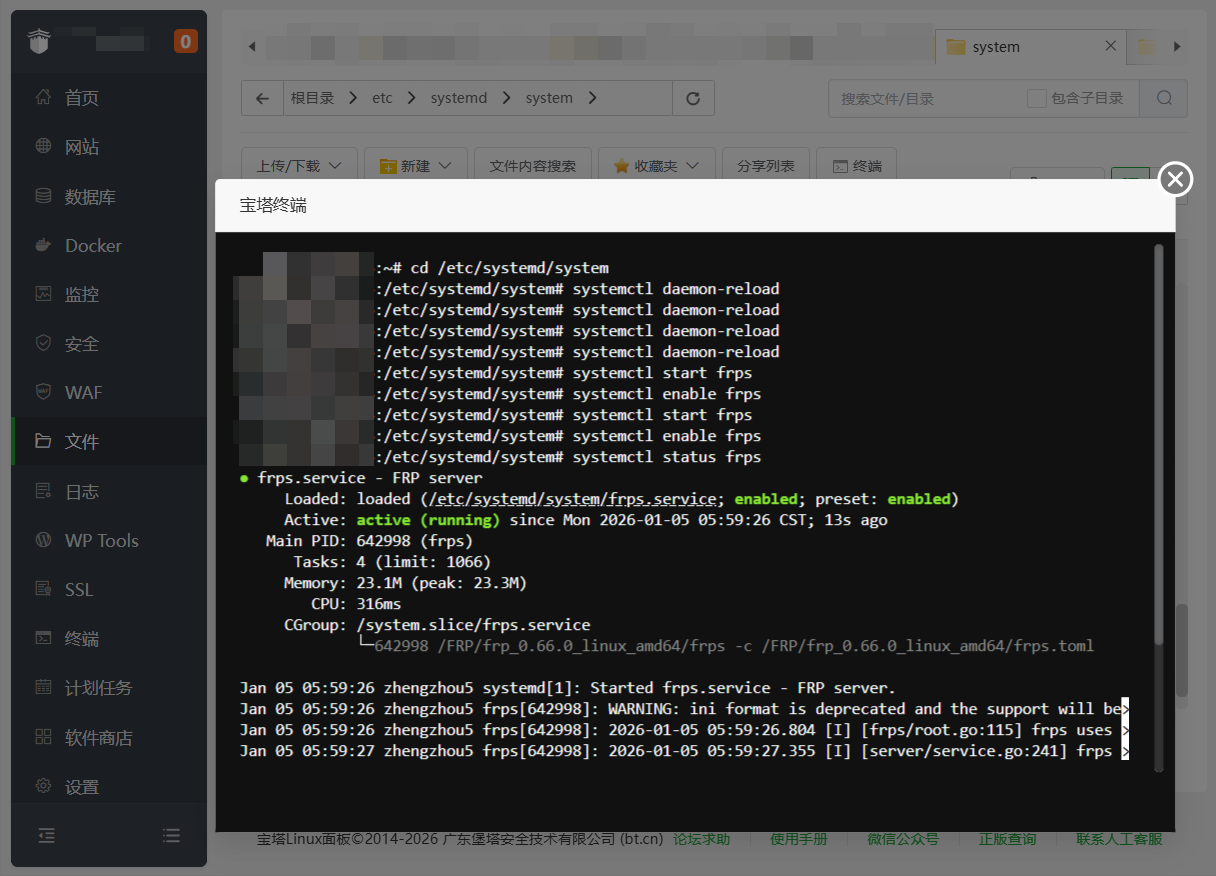
systemctl daemon-reload
systemctl start frps
systemctl enable frps
查看状态:
systemctl status frps✔ 终端怎么关都没事
✔ 服务器重启自动恢复
✔ 宝塔最稳方案
配置成功截图